 Aphelios Solution
What Is Salesforce Deep Clone?
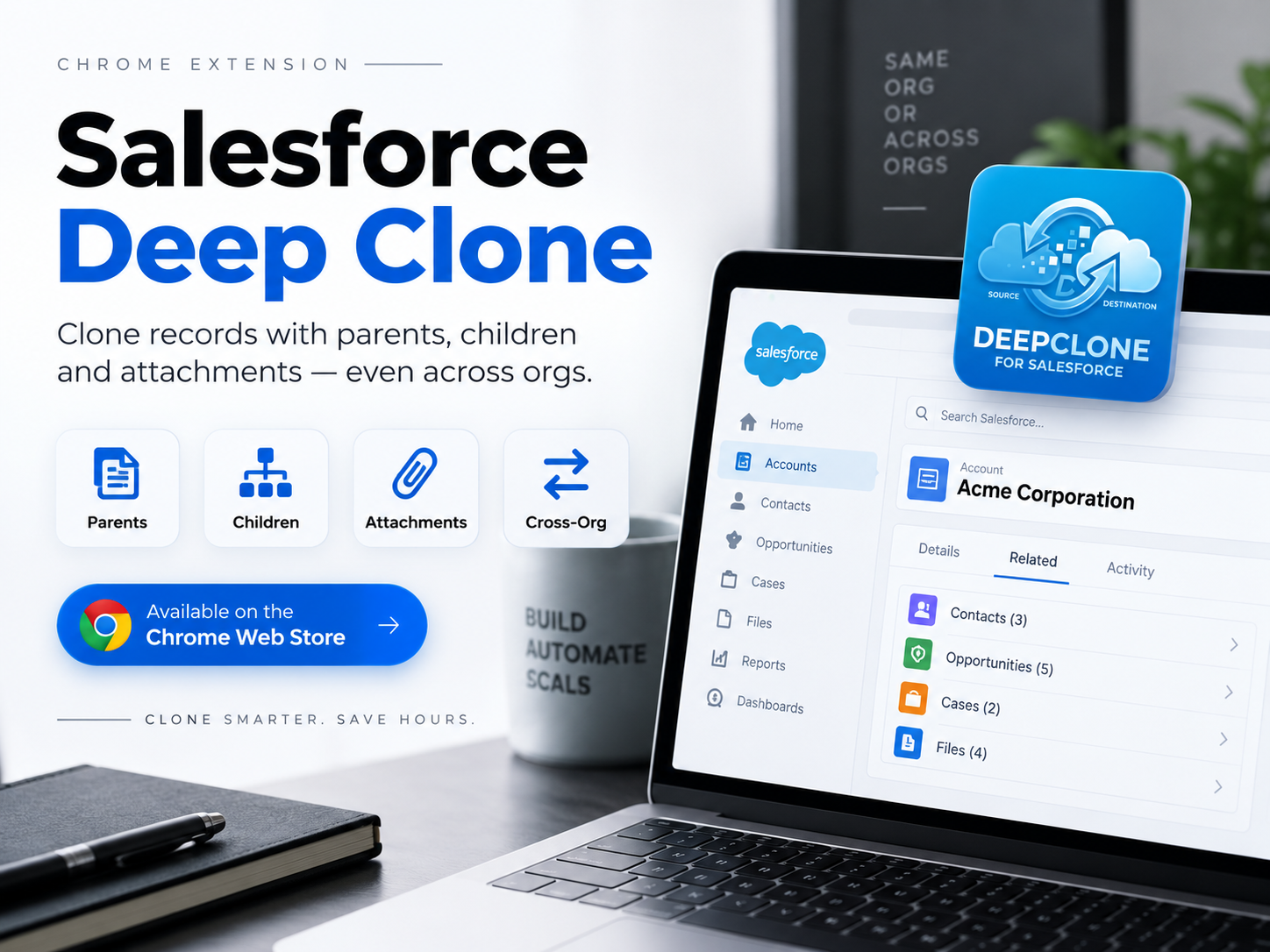
Salesforce Deep Clone is a lightweight Chrome browser extension designed for Salesforce professionals who regularly need to duplicate complex records without losing their relational structure. Unlike Salesforce built in clone function which only copies a single record, Deep Clone captures the full relationship tree around that record.
That means when you clone an Account, an Opportunity, a Case, or any custom object record, you can choose to bring its parent records, child records, and attachments or files along with it, so the cloned data actually behaves like the original in your Salesforce org.
You can install it directly from the Chrome Web Store by searching for Salesforce Deep Clone on the Chrome Web Store.
Key Features of Salesforce Deep Clone
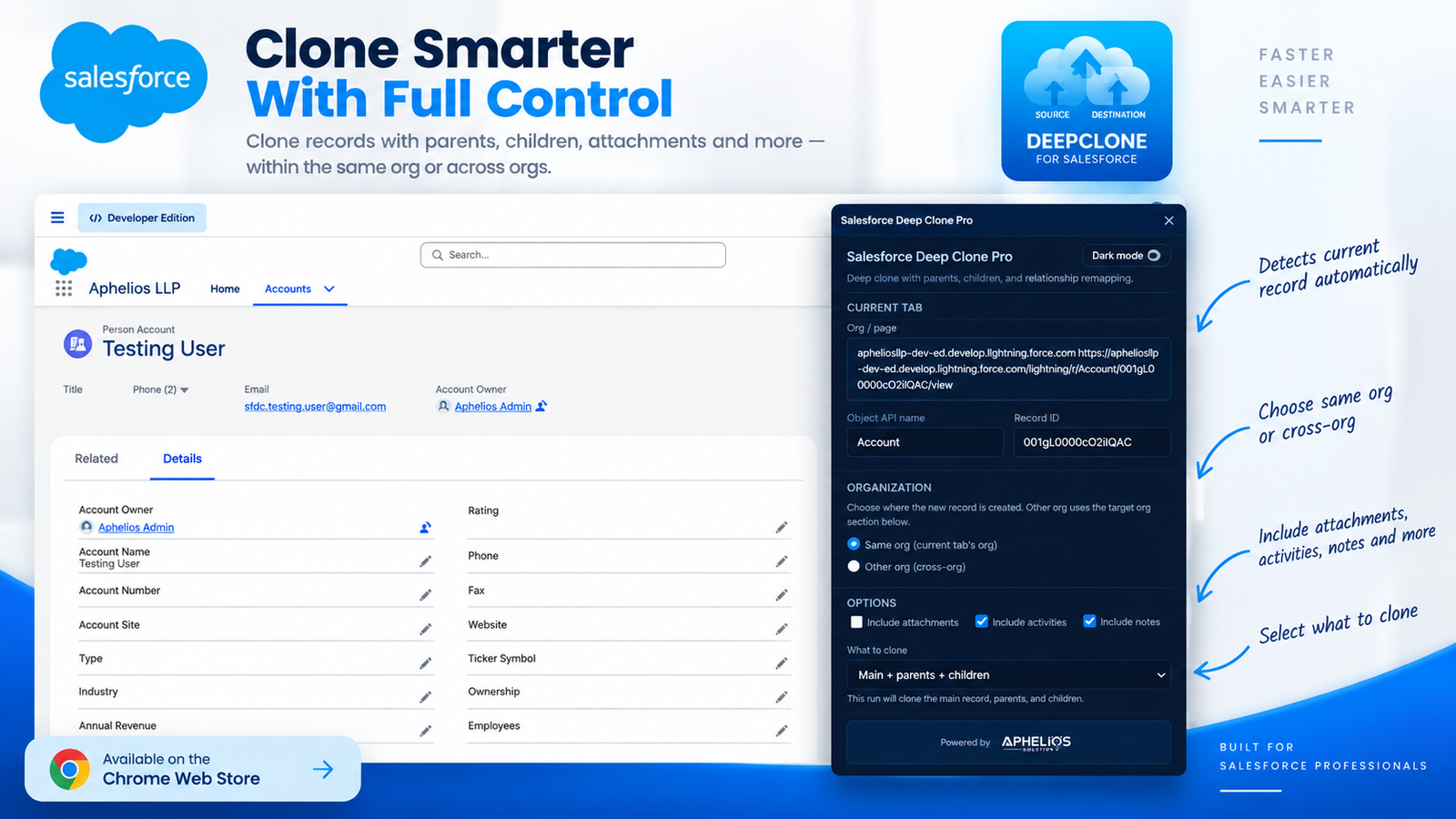
- Clone within the same Salesforce org to duplicate records instantly without leaving your current environment.
- Clone across two different Salesforce orgs to move data from Sandbox to Production, Developer to UAT, or any org combination.
- Clone child records automatically so related list records travel with the parent, preserving your data hierarchy.
- Clone associated parent records to grab the full relationship chain, not just the record you started with.
- Include attachments and files so documents and files linked to a record can be copied along with it.
- Secure Salesforce authentication that connects safely to your Salesforce org sessions.
- Fast, simple, and intuitive user interface built to fit into an admin or developer existing workflow with minimal learning curve.
Granular Control for Cross Org Cloning
When you choose to clone to another org, Deep Clone does not just dump everything blindly. You get checkbox level control over exactly what gets copied:
- Include Parent Records
- Include Child Records
- Include Attachments & Files
This gives Salesforce teams precise control over what moves between orgs, which is especially useful when you only need certain pieces of a data structure rather than a full replica.
Who Should Use This Extension?
Salesforce Deep Clone is built for anyone who regularly duplicates or migrates Salesforce data, including:
- Salesforce Administrators who need to quickly replicate configurations or records for new setups.
- Salesforce Developers building and testing features against realistic data sets.
- QA and Testing Teams who need production like records in Sandbox or UAT environments without exposing real customer data.
- Salesforce Consultants managing multiple client orgs and needing to move sample data between environments.
- RevOps and Sales Ops teams who need to duplicate complex Opportunity or Account structures for templating or forecasting scenarios.
 Common Use Cases
- Sandbox to Sandbox or Sandbox to Production Data Migration: Move a fully formed record structure between environments without manual re-entry.
- Building Realistic QA and Testing Environments: Populate test orgs with data that mirrors production relationships, not just flat records.
- Duplicating Complex Records: Clone multi layered records like an Account with related Contacts, Opportunities, and Cases in a few clicks.
- Replicating Business Data Structures: Quickly recreate entire data hierarchies for demos, training orgs, or new business units.
- Eliminating Repetitive Manual Entry: Stop copy pasting field values one record at a time.
Why Choose Salesforce Deep Clone Over Manual Cloning?
Salesforce native clone feature is fine for a single, standalone record. But the moment relationships are involved, it falls short and that is where most admins end up wasting hours recreating child records and re-uploading attachments by hand.
Salesforce Deep Clone changes that by saving time through automation, preserving parent child relationships, migrating securely across orgs without CSV exports or Apex scripts, reducing human error, and fitting right into your browser without separate tools or licenses.
How to Get Started
- Install Salesforce Deep Clone from the Chrome Web Store.
- Log in to your Salesforce org as usual.
- Open the record you want to clone.
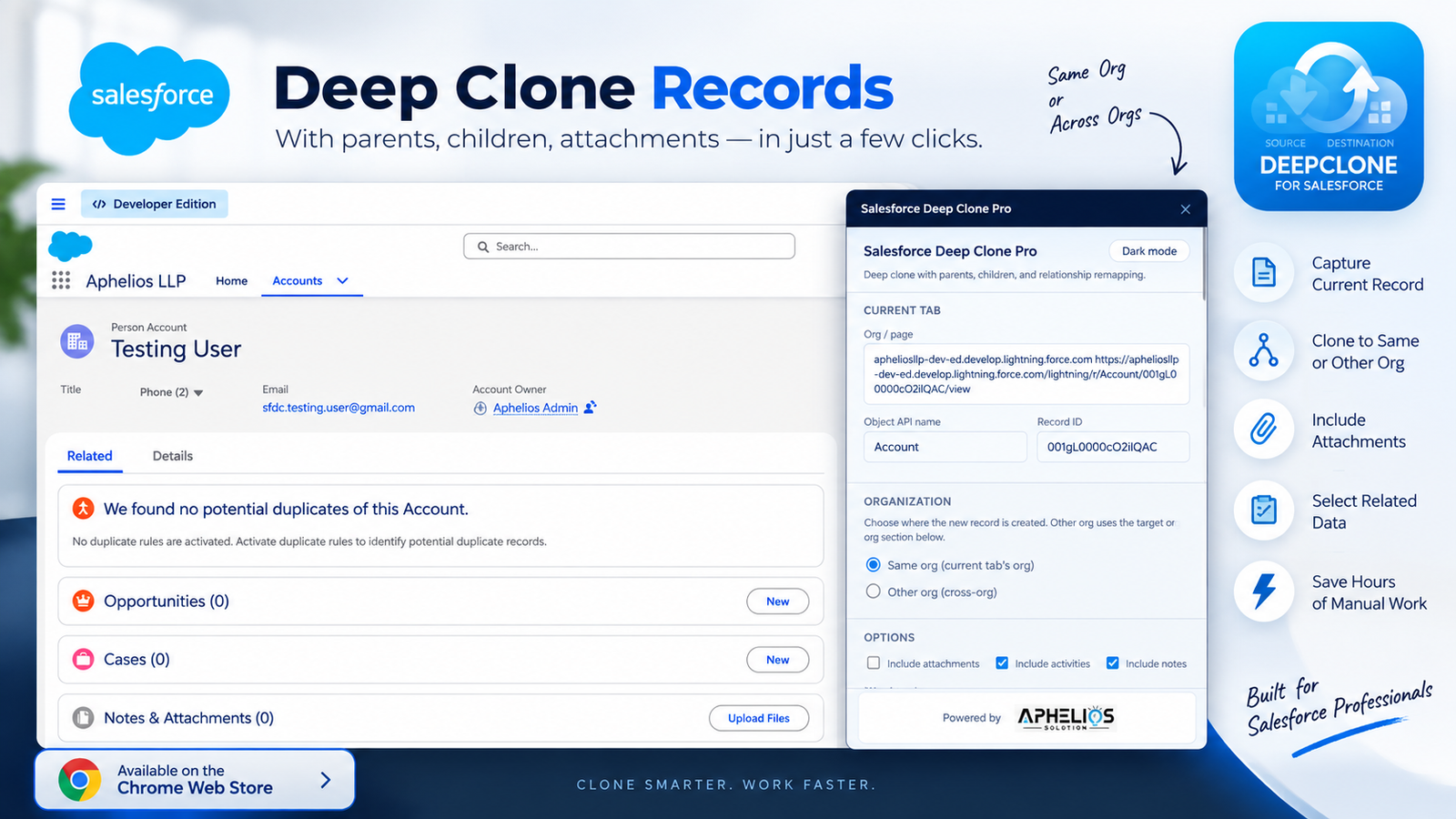
- Choose whether to clone within the same org or to another org.
- Select which related data to include such as parent records, child records, and files.
- Click clone and let the extension handle the rest.
Final Thoughts
If your day to day Salesforce work involves cloning records, migrating sandbox data, or building out test environments, Salesforce Deep Clone is built to remove the tedious parts of that process. Instead of manually recreating child records and re-uploading attachments, you get a few clicks and a fully preserved data structure in the same org or across orgs.
Install Salesforce Deep Clone from the Chrome Web Store and see how much time it saves on your next data migration or QA setup.
Frequently Asked Questions
Is Salesforce Deep Clone free to use?
Yes, it is available as a free extension on the Chrome Web Store.
Can I clone records between two different Salesforce orgs?
Yes. You can clone within the same org, or clone across two different Salesforce orgs for example from Sandbox to Production.
Does it clone attachments and files, or just record fields?
Salesforce Deep Clone can include attachments and files as part of the clone, in addition to the record field data and related records.
Will child and parent records be included automatically?
You control this. When cloning across orgs, you can choose to include parent records, child records, and attachments individually.
Who is this extension designed for?
Salesforce Administrators, Developers, Consultants, and QA teams who need to duplicate or migrate complex Salesforce records without manual re entry.